Procreate Color Palette Fiesta: Evaluating the Value of Pre-Made Swatch Files for Digital Artists
Digital illustration relies heavily on color theory, yet selecting harmonious hues from scratch can be a time-consuming bottleneck in the creative workflow. For artists using iPad-based software, pre-curated collections offer a shortcut, but not all resources provide equal utility. The Procreate Color Palette Fiesta represents a specific category of digital asset designed to inject vibrancy and cohesion into artwork instantly. When evaluating whether this resource fits your toolkit, it is essential to look beyond the marketing imagery and understand the technical delivery, the scope of the included colors, and how it compares to building custom libraries or purchasing broader bundles.
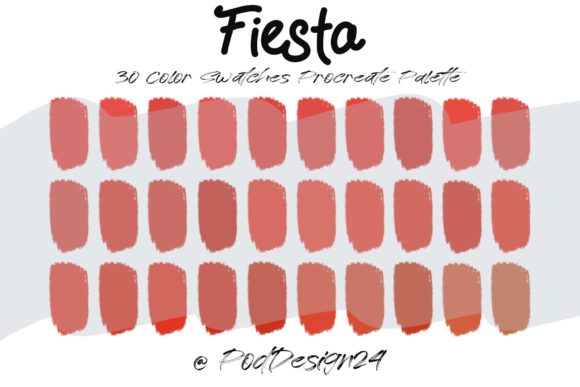
This collection is distinct primarily due to its focused approach to saturation and mood. Unlike neutral or earth-tone packs often used for architectural sketching or muted storytelling, a "Fiesta" themed palette implies a high-energy spectrum. It typically targets creators working on children's book illustrations, vibrant character designs, party invitations, or stylized social media graphics. The core value proposition lies in the curation; someone has already done the heavy lifting of ensuring that thirty specific colors sit well together, reducing the risk of clashing tones that can occur when picking colors randomly from the wheel.
Technical Delivery and File Compatibility
A critical factor in choosing any digital asset is the format in which it is delivered and how seamlessly it integrates into your existing workflow. Upon purchasing or downloading the Procreate Color Palette Fiesta, the customer receives a ZIP file. This compression format is standard for digital downloads as it ensures the file remains intact during transfer and reduces download size. However, it introduces an extra step for the user: extraction.
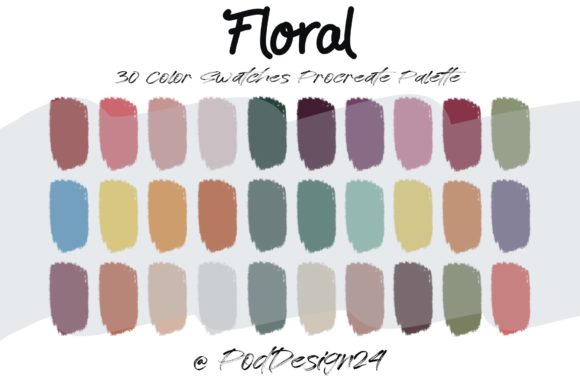
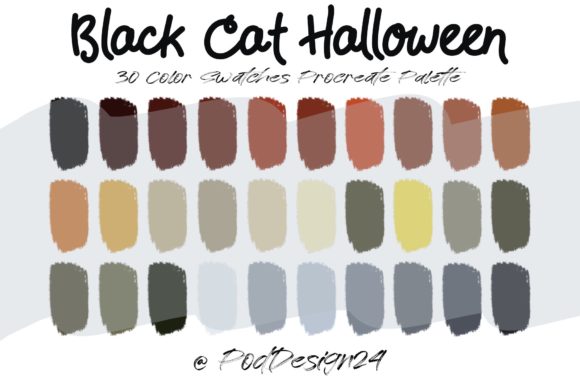
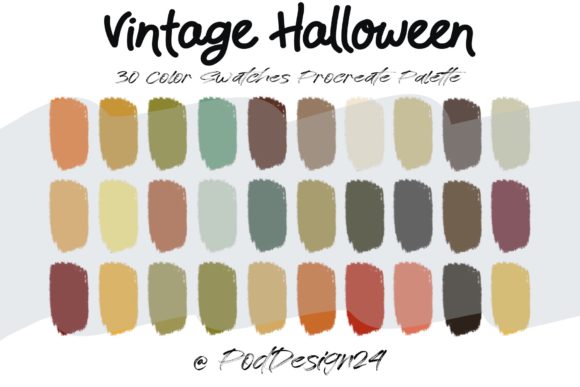
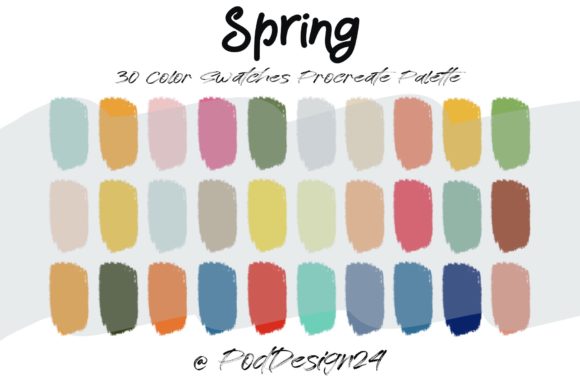
Before attempting to import the colors, users must ensure their device can handle the file structure. Once the ZIP archive is uncompressed, the primary asset included is a Swatch file procreate with 30 colors. This file extension is native to the Procreate application, meaning it is not a generic image or a PDF guide, but a functional tool. After download, the process is straightforward: you open the file directly within the Procreate app, and your palette will automatically populate in the library. This immediacy is a significant advantage over formats that require manual entry or screenshotting.
However, a vital annotation accompanies these files: Please be sure the files listed above will work with your machine and software. This disclaimer is not merely legal boilerplate; it addresses real compatibility issues. The swatch file requires a version of Procreate that supports external palette imports. While most modern versions do, artists using outdated iOS versions or older iPad models may encounter errors. Furthermore, this resource is exclusive to the Procreate ecosystem. If your workflow involves switching between Procreate, Adobe Fresco, or Clip Studio Paint, this specific file format will not transfer directly, requiring you to manually recreate the hex codes in other applications. This limitation is a key trade-off to consider before acquisition.
Evaluating the Scope: Thirty Colors vs. Extensive Libraries
The decision to utilize a palette containing exactly thirty colors versus a massive library of hundreds involves analyzing your specific artistic needs. The Procreate Color Palette Fiesta opts for restraint. In the context of digital painting, having too many choices can lead to "analysis paralysis," where the artist spends more time browsing colors than painting. A set of thirty colors forces a degree of discipline, encouraging the artist to mix and match within a defined boundary to create depth.
When comparing this to larger bundles or subscription services that offer thousands of swatches, the Fiesta pack serves a different purpose. Large libraries are excellent for generalists who need a specific shade of olive green or slate gray on rare occasions. In contrast, a focused thirty-color set is ideal for projects requiring a consistent visual identity. For instance, if you are illustrating a series of stickers or a cohesive brand campaign, sticking to a limited, high-saturation range ensures that every piece feels part of the same family. The strength here is consistency; the potential limitation is versatility. If your project requires subtle gradients or a wide dynamic range of shadows and highlights outside the "fiesta" theme, you may find yourself needing to supplement this pack with additional custom mixes.
Comparative Analysis: Pre-Made Palettes vs. Custom Creation
Artists often debate the merit of using pre-made assets versus generating their own. Creating a custom palette from scratch offers total control and is an excellent exercise in understanding color relationships. It allows you to tailor every hue to the specific lighting conditions of your scene. However, this process is time-intensive. For professionals working under tight deadlines or hobbyists looking to maximize their painting time, the Procreate Color Palette Fiesta offers a pragmatic alternative.
The comparison ultimately boils down to efficiency versus customization. Pre-made palettes like this one act as a springboard. They provide a solid foundation that can be modified later if necessary. Many artists adopt a hybrid approach: they import the Fiesta swatches to establish the base mid-tones and highlights, then manually mix darker shadows or specialized textures that the preset does not cover. This method leverages the speed of the pre-set while retaining the flexibility of custom color mixing. It is worth noting that while the Fiesta pack provides excellent starting points, relying solely on it without understanding underlying color theory may limit an artist's growth. It is best viewed as a tool to accelerate workflow rather than a replacement for fundamental skills.
Best-Fit Scenarios and Limitations
Determining whether this resource is the right choice depends largely on your current project roster. The Procreate Color Palette Fiesta is particularly well-suited for:
- Graphic Designers: Creating eye-catching promotional materials for events, sales, or celebrations where high energy is required.
- Pattern Designers: Developing seamless patterns for textiles or wrapping paper that need to pop on a shelf.
- Social Media Content Creators: Producing quick, vibrant illustrations that stand out in a crowded feed.
- Educators and Students: Learning how saturated colors interact without the overwhelm of a full color wheel.
Conversely, there are scenarios where this palette may not be the optimal solution. Artists working on realistic portraits, somber narrative pieces, or environments requiring atmospheric perspective may find the inherent brightness of a "Fiesta" theme restrictive. Additionally, those who strictly work in grayscale or monochrome workflows will find no utility in this specific asset. It is also important to reconsider the annotation regarding software compatibility. If you are part of a studio pipeline that utilizes multiple software platforms, the inability to export this specific swatch file to non-Procreate programs could create friction in collaborative environments.
Making an Informed Decision
Ultimately, integrating the Procreate Color Palette Fiesta into your library is a decision based on your desire for speed and your affinity for vibrant aesthetics. The inclusion of a ready-to-use Swatch file procreate with 30 colors delivered via a standard ZIP file streamlines the setup process, allowing you to begin creating almost immediately after download. The convenience of opening the file and having the palette appear instantly cannot be overstated for those valuing workflow efficiency.
However, a prudent buyer must weigh this convenience against the limitations of file exclusivity and the specific mood of the colors. Before finalizing your choice, verify that your iPad and Procreate version are up to date to honor the requirement that files listed above will work with your machine and software. If your goal is to inject life and celebration into your digital art without spending hours tweaking hue sliders, this curated collection offers a balanced, practical solution. If, however, your work demands hyper-realism or cross-platform compatibility, you may need to explore broader alternatives or invest time in building a bespoke library. By understanding these trade-offs, you can ensure that any digital asset you acquire truly enhances your creative output rather than complicating it.