Mastering the Warmth: A Practical Guide to the Procreate Color Palette Sunset
Digital art often lives or dies by color harmony. You can have the most skilled brushwork and the most intricate composition, but if the colors clash or feel muddy, the piece will fail to resonate. This is where a curated Procreate Color Palette Sunset becomes an invaluable asset rather than just a luxury. These palettes are designed to capture the fleeting, golden-hour magic of dusk, offering a pre-selected range of hues that naturally work together. However, simply downloading a file does not guarantee masterpiece status. Many creators, from hobbyists to professional marketers, stumble over technical setup and application strategies that prevent them from getting the most out of these tools.
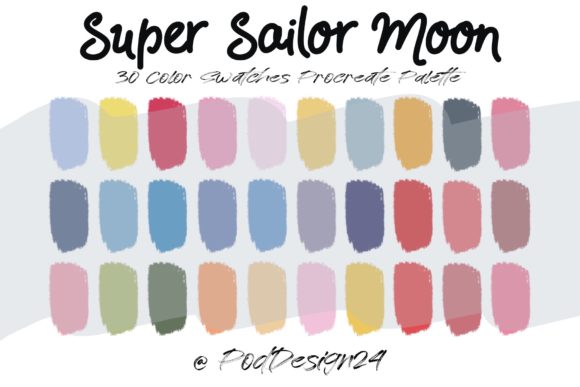
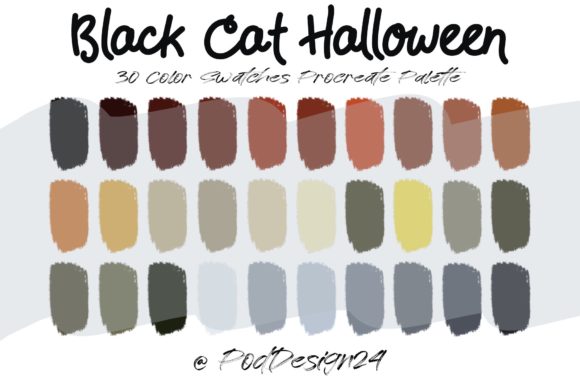
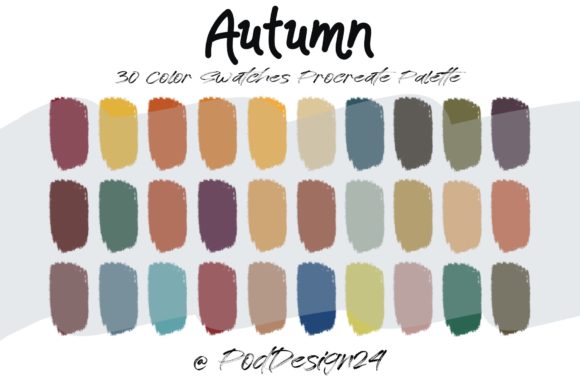
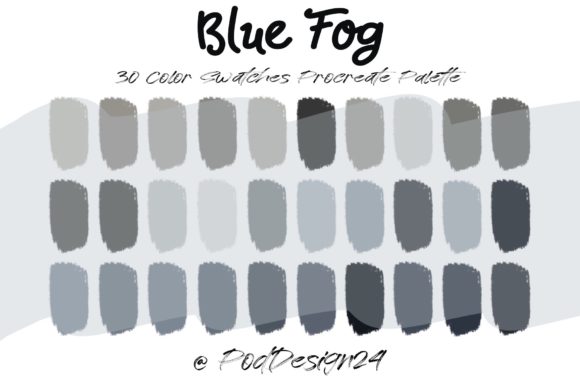
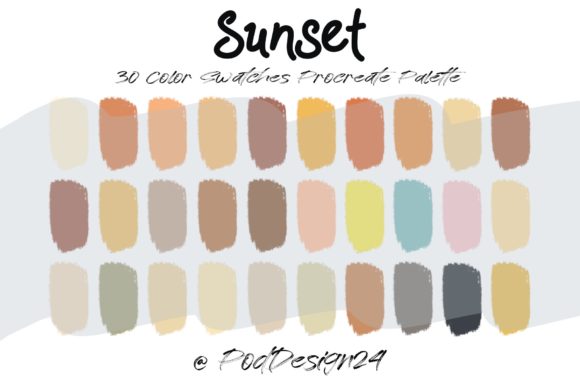
When you acquire a high-quality sunset palette, you are typically receiving a ZIP file containing a specific swatch file with around 30 colors. The promise is simple: open it in Procreate, and your workflow transforms. Yet, the gap between "downloading" and "creating" is where confusion often sets in. Understanding the nuances of file management, software compatibility, and color theory application is essential to avoiding frustration and ensuring your digital canvas reflects the warmth you intended.
The Installation Misstep: Why Your Palette Might Not Appear
The most immediate hurdle users face is not artistic, but technical. A common mistake occurs right after purchase. Users download the ZIP file and attempt to import it directly into Procreate without extracting it first. Procreate cannot read compressed ZIP archives as color sets. If you try to tap the ZIP file within the app or the Files app without unzipping it, nothing will happen, leading many to believe the file is corrupted or incompatible.
To avoid this, you must locate the downloaded ZIP file in your device's file manager and select the option to "Unzip" or "Extract." Inside, you will find the actual .swatches file. Only this specific file type can be imported into the color panel. Once extracted, tapping the file should automatically launch Procreate and add the new set to your library. If it does not, ensure you are using a recent version of the software, as older iterations may struggle with newer file structures. This small administrative step is critical; skipping it halts your creative process before it begins.
Misunderstanding the Scope of a 30-Color Set
Another frequent oversight involves expectations regarding the number of colors provided. A standard sunset palette often includes exactly 30 colors. Beginners sometimes assume this limited selection restricts their ability to create complex gradients or varied scenes. They might feel compelled to manually mix hundreds of additional shades, defeating the purpose of using a curated palette in the first place.
In reality, 30 well-chosen colors are sufficient for a vast array of projects if used correctly. These palettes are engineered with value and temperature in mind. The included colors usually span from deep, cool purples and blues representing the encroaching night to vibrant oranges, pinks, and soft yellows mimicking the sun's final rays. The mistake lies in trying to force the palette to do something it wasn't designed for, such as rendering a mid-day forest scene. Instead, embrace the constraints. Use the darker tones for shadows and the lighter, warmer tones for highlights. By limiting your choices, you force your brain to focus on value relationships rather than getting lost in an infinite color picker, often resulting in more cohesive and professional-looking artwork.
Applying the Palette: Context Matters
Even with the file installed and expectations managed, artists often misuse the palette by applying it without considering the lighting logic of their specific piece. A sunset palette is thematic. Using these warm, saturated tones for a cold, sterile corporate infographic or a horror illustration will create a dissonance that confuses the viewer. The emotional weight of a sunset—nostalgia, calm, transition—must align with your project's goal.
For entrepreneurs and bloggers creating social media graphics, the error often lies in consistency. You might use the sunset palette for one post and a neon palette for the next, fracturing your brand identity. If your brand voice is warm and inviting, stick to the sunset hues across your content calendar. Use the lighter creams for text backgrounds and the deeper magentas for accents. For educators creating instructional materials, these colors can highlight key information without the harshness of primary reds or blues, making the content easier on the eyes during long study sessions.
Furthermore, do not treat the 30 colors as rigid blocks. Procreate's blending modes allow you to layer these swatches to create intermediate tones. A common poor decision is picking a color and painting with 100% opacity immediately. Instead, lower the opacity of your brush or use the "Glaze" blend mode to let the underlying layers show through. This creates natural transitions between the orange and purple tones, simulating the atmospheric diffusion of light at dusk.
Checking Compatibility and File Integrity
Before finalizing any purchase or committing time to a new workflow, verification is key. The annotation provided with these files often states: "Please be sure the files listed above will work with your machine and software." This is not just legal boilerplate; it is a crucial checkpoint. While Procreate is exclusive to iPad, some users attempt to use these swatch files on Android tablets or desktop software like Photoshop without realizing the format differences.
The .swatches format is native to Procreate. If you are working in Adobe Fresco or Clip Studio Paint, this specific file will not load directly. You would need to manually recreate the palette or find a conversion tool, which can alter the hex codes slightly. Always check your device ecosystem. Additionally, ensure your iPad storage has enough space. While a color palette file is tiny, a full gallery of high-resolution artworks using those colors can fill gigabytes quickly. Running out of space mid-project can lead to data loss, a catastrophic error no amount of color theory can fix.
Making the Right Choice for Your Workflow
Ultimately, integrating a Procreate Color Palette Sunset into your toolkit is about efficiency and mood. It removes the paralysis of choice when starting a new sketch. However, success depends on respecting the technical requirements and understanding the artistic intent behind the curation. Do not rush the installation, do not ignore the thematic limitations, and do not forget to verify your software compatibility.
By approaching these tools with a mindset of preparation rather than instant gratification, you elevate the quality of your output. Whether you are designing a logo, illustrating a children's book, or crafting a marketing campaign, the right colors act as a silent communicator. Avoid the pitfalls of improper file handling and context mismatches. Take the time to extract your files, understand the 30-color logic, and apply the hues where they emotionally fit. When done correctly, these palettes do more than just fill shapes; they evoke the feeling of a perfect evening, turning simple pixels into compelling visual stories.